
The 9×9 Extreme Crafting Table
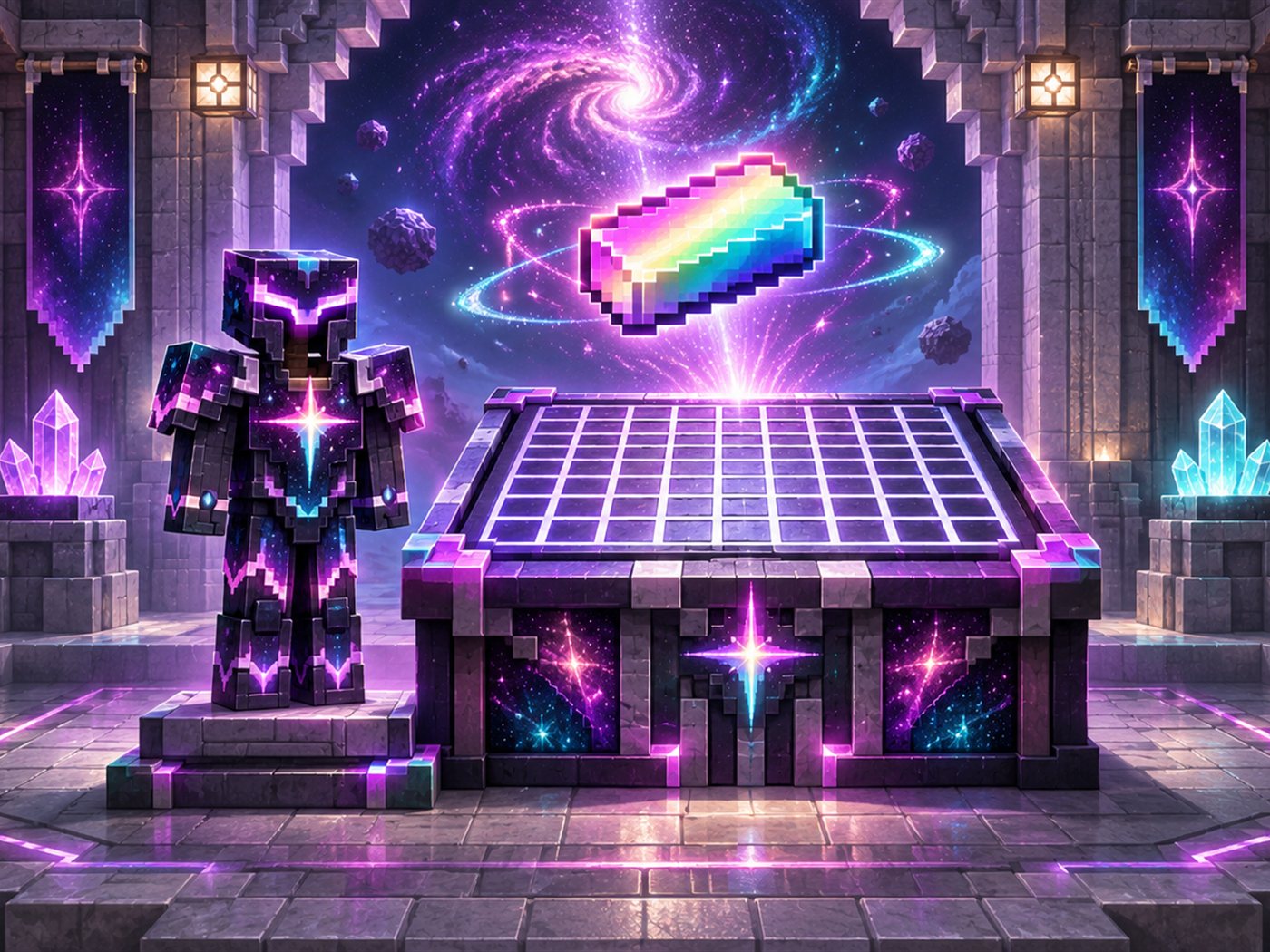
The heart of the mod. Its 81-slot grid replaces the vanilla 3×3 for Avaritia's largest recipes, so most of your endgame crafting happens here.
Avaritia Mod transforms the Minecraft endgame into an extraordinary realm of limitless possibilities, introducing legendary equipment, intricate crafting systems, and unparalleled power. Discover the secrets of Infinity Armour, master the complexities of Extreme Crafting, and explore comprehensive guides designed to elevate your gameplay beyond conventional boundaries.
Avaritia is a Minecraft: Java Edition mod for Forge, made for players who race through modded progression and wish the end took longer.
Instead of handing you powerful gear, Avaritia makes you earn it. The original mod was created by SpitefulFox and TTFTCUTS for Minecraft 1.7.10, and later versions and community remakes bring its ideas to newer releases — our guides explain how they fit together.
Six systems work together to build one of modded Minecraft's longest endgames — from passive neutronium to Infinity gear.
The heart of the mod. Its 81-slot grid replaces the vanilla 3×3 for Avaritia's largest recipes, so most of your endgame crafting happens here.
A machine that slowly generates Neutron Pile over time. Piles become nuggets and then Neutronium Ingots, a core material for later recipes.
Feed the compressor a massive amount of one resource and it produces a singularity. Costs scale with the number of singularity types in your pack.
Combine singularities with unusual ingredients — including the Ultimate Stew and Cosmic Meatballs — to make the Infinity Catalyst, then the Infinity Ingot.
Infinity Ingots unlock the mod's famous endgame equipment, including the Infinity Sword and Infinity armor, plus items like the Skullfire Sword.
Pack makers can tune the mod. The original project documents a "Crafting Only" option and MineTweaker commands for Extreme Crafting and Compressor recipes.
Avaritia's progression follows a clear four-stage path. Each stage feeds the next, and the machines keep working while you play.
Build Neutron Collectors early. They work on their own, slowly producing Neutron Pile while you explore, build and automate the rest of your base.
Pour huge stacks of iron, gold, diamonds and other resources into Neutronium Compressors. Each full batch becomes a single singularity.
Lay out the big 9×9 recipes for the Infinity Catalyst and special ingredients. A recipe viewer helps you place every item correctly.
Combine the Catalyst with Crystal Matrix and Neutronium to make the Infinity Ingot, then craft the endgame tools, weapons and armor.
What you need to run the original Avaritia file linked on this page. For newer Minecraft versions, see our version guides.
A Java Edition mod — not available for Bedrock or PE.
The linked Avaritia-1.13.jar is listed for 1.7.10 only.
Install Forge for 1.7.10, then add the jar to the mods folder.
Forge 1.7.10 is normally run on Java 8.
Avaritia-1.13.jar · 1010.6 KB on the source listing.
Install on the server and every client, same version.
Small mod — follow your modpack's memory advice.
Not supported. Java .jar mods do not run on Bedrock.
Avaritia shines wherever players want a long, shared goal that ties a whole modpack together.
Give a long-running survival world a clear finish line that takes real planning and time to reach.
Use Avaritia as the capstone of a 1.7.10 pack, where resources from many other mods feed into singularities.
Give a multiplayer community a big, shared project — one group runs collectors while another automates compressors.
Turn the compressor's huge appetite into a reason to build efficient mining, sorting and delivery systems.
Pack authors can change recipes with MineTweaker or switch to "Crafting Only" to fit their own progression.
Recreate or continue the era of classic modded Minecraft with the version many well-known packs were built on.
Pick the setup that matches how you play. Each path uses the same Avaritia-1.13.jar file for Minecraft 1.7.10.
The simplest way to try Avaritia: a brand-new Minecraft 1.7.10 instance with Forge and nothing else to conflict with.
Bring Avaritia into an existing 1.7.10 pack. Singularity costs can change with the number of singularity types other mods add.
Avaritia adds blocks and items, so the server and every player need the same version installed.
Six steps get the original mod running. Follow the path, or read the full installation guide.
Install or select a Java 8 runtime, the usual choice for Forge on Minecraft 1.7.10.
Use the Forge installer, the CurseForge app or Prism Launcher to set up Minecraft 1.7.10 with Forge.
Start the Forge profile one time so it creates the mods and config folders, then close the game.
Get Avaritia-1.13.jar from the Download section below. Do not extract or rename it.
Copy the jar into the instance's mods folder. On a server, add it to the server's mods folder too.
Launch again and open the Mods menu. Avaritia should be listed. A recipe viewer makes the big recipes easy to follow.
Get the original Avaritia mod for Minecraft: Java Edition 1.7.10. The button below starts the download directly from the original project's file on CurseForge.
Good habits that protect your computer and your worlds whenever you add mods.
Our button links straight to the original CurseForge file — no re-uploads or wrappers.
Expect a file named Avaritia-1.13.jar of about 1 MB. Scan it with your own antivirus if you wish.
Copy your saves folder before adding or removing content mods.
Use Minecraft 1.7.10 with Forge, and keep server and client mod versions identical.
A mod jar never needs admin rights or a separate installer. Avoid any file that asks for them.
Avaritia is less about any single item and more about the journey. These are the practical reasons it remains a favourite in 1.7.10 packs.
The Infinity Ingot gives every session a direction, from early collectors to the final crafts.
Built to take time, so overpowered early-game mods do not make the end arrive too quickly.
Singularities draw on resources from your other mods, giving mining and processing a purpose.
Config options and MineTweaker support let pack makers adjust costs and recipes.
The 1.7.10 file is about 1 MB, so it adds very little to a modpack's size.
Well-known items like the Extreme Crafting Table and Infinity gear make progress easy to discuss with friends.
What makes the original mod great, and the limitations you should know before installing it.
Most issues come from version mismatches or the wrong folder. Full answers are in our troubleshooting guide.
Usually a version mismatch. Use a Minecraft 1.7.10 Forge instance and a Java 8 runtime, then check the crash-reports folder.
Make sure the jar is in the mods folder of the instance you launch, and that you selected the Forge profile.
The server and every client need the same Avaritia version. Remove duplicate or outdated copies.
Install a 1.7.10 recipe viewer such as NotEnoughItems. Your modpack may also have changed some recipes.
Adjust memory to suit your pack size, lower render distance and check large automation setups for lag.
That is normal. Close it and copy the file into the mods folder — mod jars are not run directly.
Twenty answers about Avaritia's versions, downloads, installation and common problems.
Still stuck?Read the full troubleshooting guideAvaritia is a Minecraft: Java Edition mod that adds an extremely long endgame. It introduces the 9×9 Extreme Crafting Table, neutronium, singularities, the Infinity Catalyst and the Infinity Ingot, which is used for the mod's powerful Infinity tools, weapons and armor.
The download links to Avaritia-1.13.jar, which the CurseForge listing shows for Minecraft 1.7.10. It needs Minecraft Forge for 1.7.10 and will not load in newer versions.
The original mod is credited to SpitefulFox and TTFTCUTS. A later port for Minecraft 1.10.2 and up was made with their permission and is maintained by covers1624 and brandon3055, among others.
It is Avaritia's main crafting station, with a 9×9 grid instead of the vanilla 3×3. Most of the mod's endgame items, including the Infinity Catalyst and Infinity gear, are crafted on it.
The Neutronium Compressor turns a very large amount of a single resource — such as iron, gold or diamonds — into one singularity. Singularities are key ingredients for the Infinity Catalyst, and their cost can scale with how many types exist in your pack.
No. The original Avaritia is a Java Edition Forge mod, and .jar mods cannot run on Bedrock Edition or Minecraft PE. Some Bedrock add-ons use similar ideas, but they are separate projects from different creators.
Re:Avaritia is an unofficial community remake that recreates Avaritia's content for modern Minecraft versions, with Forge, NeoForge and Fabric builds. It is a different project from the original 1.7.10 mod.
The original mod is not available for 1.20.1, but community projects such as Re:Avaritia and AvaritiaNeo list 1.20.1 builds on their project pages. Always download the file that matches your loader.
Community remakes list Java Edition 1.21-era builds, such as 1.21.1. Numbers like 1.21.132 follow Bedrock's build numbering, and Java mods do not run on Bedrock.
The original 1.7.10 mod is hosted on CurseForge. Modrinth hosts modern community projects such as Re:Avaritia and AvaritiaNeo, along with addons that depend on them.
Yes. The file is hosted on CurseForge and can be downloaded without payment. This website does not charge for it either.
The main Download button links directly to the Avaritia-1.13.jar file on CurseForge, from the original Avaritia project. We do not modify or re-host the file.
Yes. The 1.7.10 version is a Forge mod, so you need a Minecraft 1.7.10 profile or instance with Forge installed.
Forge for Minecraft 1.7.10 is normally run on Java 8. Newer Java versions are a common cause of startup crashes in old modded instances.
Place Avaritia-1.13.jar in the mods folder of your Forge 1.7.10 instance. Launch the Forge profile once first if the mods folder does not exist yet.
Yes. Avaritia adds blocks and items, so the server and every player's client must have the same version installed.
Usually, yes — new content becomes available as you play. Back up the world first. Removing the mod later will remove its blocks and items from that world.
The most common causes are using the 1.7.10 file in a different Minecraft version, using a Java version that is too new, or a conflict with another mod. Check the crash report for details.
Install a recipe viewer for 1.7.10, such as NotEnoughItems. It lets you look up the large 9×9 recipes and see which ingredients you still need.
Pack makers can adjust the mod with its config file and MineTweaker scripts, for example by changing Extreme Crafting or Compressor recipes. The original project also documents a "Crafting Only" option.